
Fayette County Court Calendars Explained
Fayette County court dates are attached to case records rather than gathered on one verified countywide daily PDF. For magistrate cases, MCRSearch exposes a Case Event Schedule after the user opens CaseDetail. Circuit and family settings route through WVPASS. Municipal dates remain with the issuing city or town.
The newest open event is more useful than an older notice, but it still needs context. Read each setting with later docket entries. A hearing can be continued, held, or closed while the old date remains in the history. The court office remains the authority when a time, room, or appearance method is unclear.
Fayette Case Event Schedule
The MCR event block is the public calendar view for a magistrate case. It can display Record, Event Type, Date/Time, Room, Location, Judge, and Reason Closed. Search controls use filing dates, court location, case type, Case ID, citation number, or name. Event Type is a result field, not a date-only search input.
A person must identify a case before reading its date. Set Court Location to Fayette and use an exact identifier when possible. A broad name search can reach the 30-result cap. Confirm the style, filing date, and type before trusting the event.
Finding Your Fayette Court Date
Begin with the Case ID printed on a citation, notice, or order. Identify municipal, magistrate, family, or circuit court. The court level determines both the portal and clerk. No name search in one system covers all Fayette County court dates.
- For magistrate cases, pass the CAPTCHA and enter a Case ID, citation, or narrowed name.
- Choose Fayette under Court Location and open the matching CaseDetail.
- Read every populated event field and later docket entry.
- For circuit or family cases, use WVPASS.
- Call the proper clerk or municipal office if dates conflict.
- Visit the counter when portal and phone checks do not resolve the issue.
- Confirm date, time, room, judge, and appearance method.
Second-Tuesday Fayette Trial Terms
Trial Court Rule 2.15 sets Fayette circuit trial terms on the second Tuesday of January, May, and September. A trial term is a broad court framework, not the date for one case.
Use the case event, later order, and assigned clerk to identify the actual setting. Term dates explain part of the circuit calendar's rhythm, but they cannot prove when a motion or trial will be heard.
How to Read a Court Setting
Read the full event row. Blank fields should stay blank in personal notes. Do not infer a room, judge, or remote link. Event Type says what was scheduled, while Reason Closed can help explain what happened. Compare the row with the docket entry list.
| Date and Time | The scheduled value, subject to later change. |
|---|---|
| Room | The room when populated. |
| Location | The court location tied to the event. |
| Judge | The judge or magistrate when shown. |
| Event Type | Pretrial, bond, suppression, jury trial, notice, or another label. |
| Reason Closed | The stated reason after closure. |
Fayette Setting Labels Decoded
Pre-Trial Hearing is a readiness stage and may move. Bond Modification Hearing concerns a proposed change to bond terms. Bond Revocation concerns an alleged breach. Suppression Hearing addresses whether specified evidence should be excluded. Magistrate Jury Trial is a trial setting while the matter remains at that level.
- Notice of Hearing
- A setting notice, not proof it occurred.
- Hearing Continued
- The setting moved; find the later event.
- Hearing Held
- The event was recorded as held; an order may follow.
- Hearing/Event Closed
- Check the reason and later entries.
Continuances, Resets, and Cancellations
A motion to continue may appear as MGMCT, followed by MGHCT when a hearing is continued. MGHCC can mark a closed event, and MGHHD a hearing held. A bailiff cancellation may appear as MGBFC. Read codes with descriptions and dates.
Review history from oldest to newest. A past setting does not vanish because it changed. Look for a later notice, new event, or order. If two dates remain open, call the clerk and ask which is current. Never fill a blank field with an assumption.
Municipal Dates Vary Across Fayette
Municipal dates are not centralized. Fayetteville tells a person wishing to dispute a citation or set a date to call within ten days. Ansted publishes a similar dispute path and lists Municipal Court on the third Tuesday each month.
The Ansted court page supplies its date and instructions.
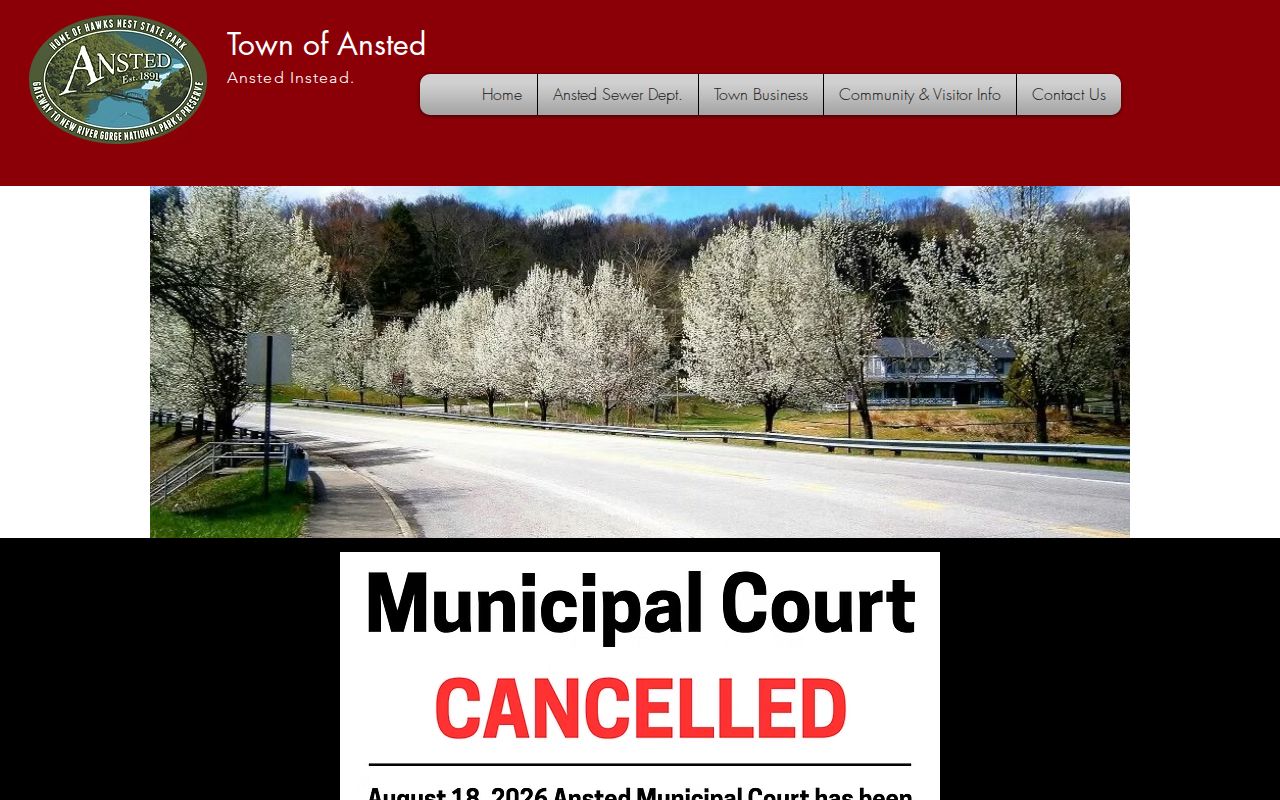
The schedule shows why the issuing municipality must be checked instead of treating all Fayette court dates as one list.
If You Miss a Court Setting
Contact the assigned clerk promptly. Give the Case ID, event type, scheduled date, and location. Ask what the docket now shows and whether a failure-to-appear, warrant, bond, default, or other entry was made. Do not assume dismissal because a date passed or disappeared online.
Missed a setting? Consequences may include a failure-to-appear, warrant, bond action, or civil default.
Call the court and your lawyer, if represented, before relying on the event list.
Ask what formal step is required instead of assuming staff can reset it by phone.
Confirm Conflicting Fayette Settings
Use this hierarchy when records disagree: current CaseDetail event, later docket order or notice, assigned clerk by phone, then the courthouse counter. For municipal tickets, call the issuing city. For circuit or family matters, use the state directory for the assigned office.
Weather, holiday, and remote-hearing details need the same care. Research found no standing Fayette weather closure page, universal Zoom link, or general remote policy. Confirm the appearance method. A county office closure can affect counter access without proving that every hearing was canceled.